Less Tabs, More Memory
Powerful Features Easy to Use
Designed for efficient browsing, making tab management simpler than ever

Floating Search Panel
Convenient search button in the bottom-right corner of every page. Draggable with auto-saved positions per domain. Click to expand search panel for quick access to search and history.
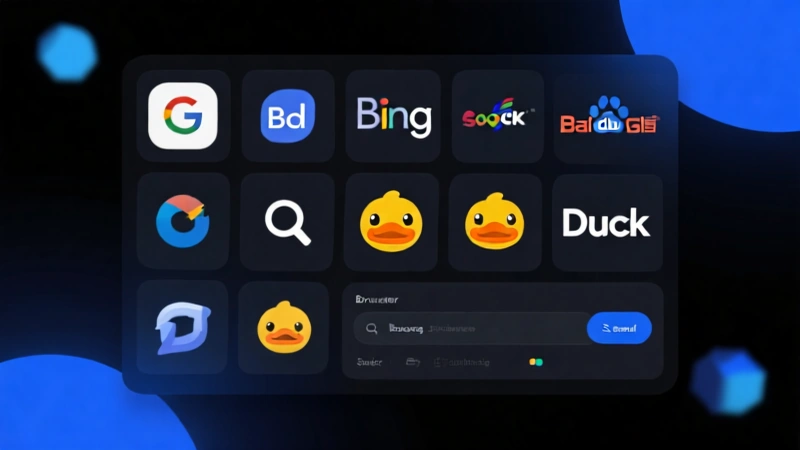
Multi-Engine Search
Built-in Google, Bing, DuckDuckGo, Baidu and more. Add any custom search engine to meet all your search needs.

Page History
Automatically saves current page before searching. All history stored locally for privacy. Configurable max items (1-50).
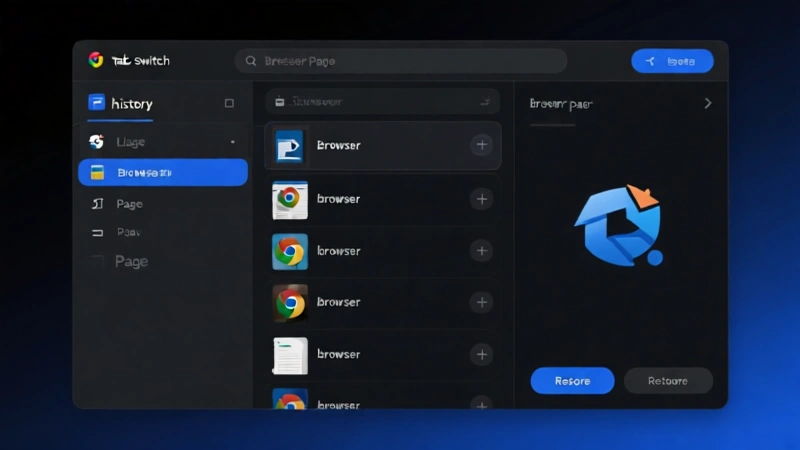
One-Click Restore
Click history item to restore page in current tab. Automatically removes from history after clicking. Supports keyboard shortcuts Alt+1/2/3 for quick restore.

Smart Link Interception
Normal clicks open in current page, reducing unnecessary tab growth. Ctrl/Cmd+Click preserves new tab behavior, maintaining your browsing habits.
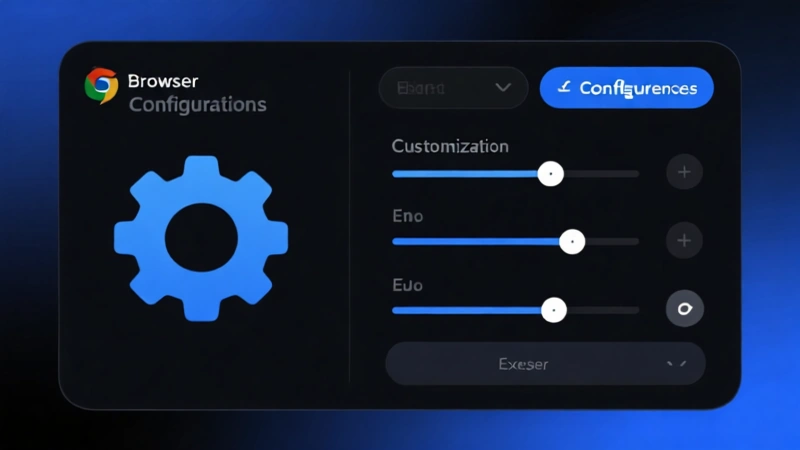
Fully Customizable
Flexible configuration for default search engine, history count, and interface language. Keyboard shortcuts for panel toggle, creating your personalized browsing experience.
Simple Steps Get Started
No learning curve, ready to use immediately after installation
Install Extension
Install TabStay from Chrome Web Store, Edge Add-ons or Firefox Add-ons

Click Button
Click the floating button in the bottom-right corner to expand search panel
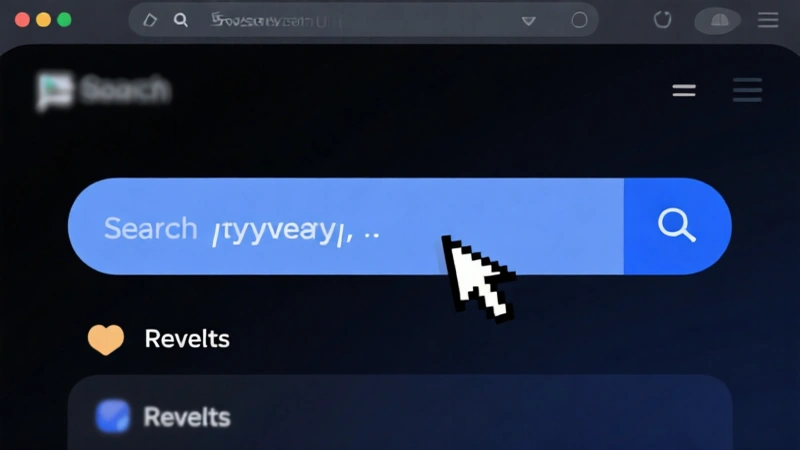
Search or Switch
Enter keywords to search, or quickly restore pages from history
Watch Demo Video
Understand TabStay's core features in 30 seconds
Download Now Free to Use
Completely free, open source, no ads. Supports Chrome, Edge and Firefox browsers



Or build from source:
View GitHub Repository